Internet speed for IPTV in Canada: what you actually need
How much internet speed IPTV needs, how to test it where your TV is, and simple Wi-Fi fixes for Canadian homes, from basements to cottages.
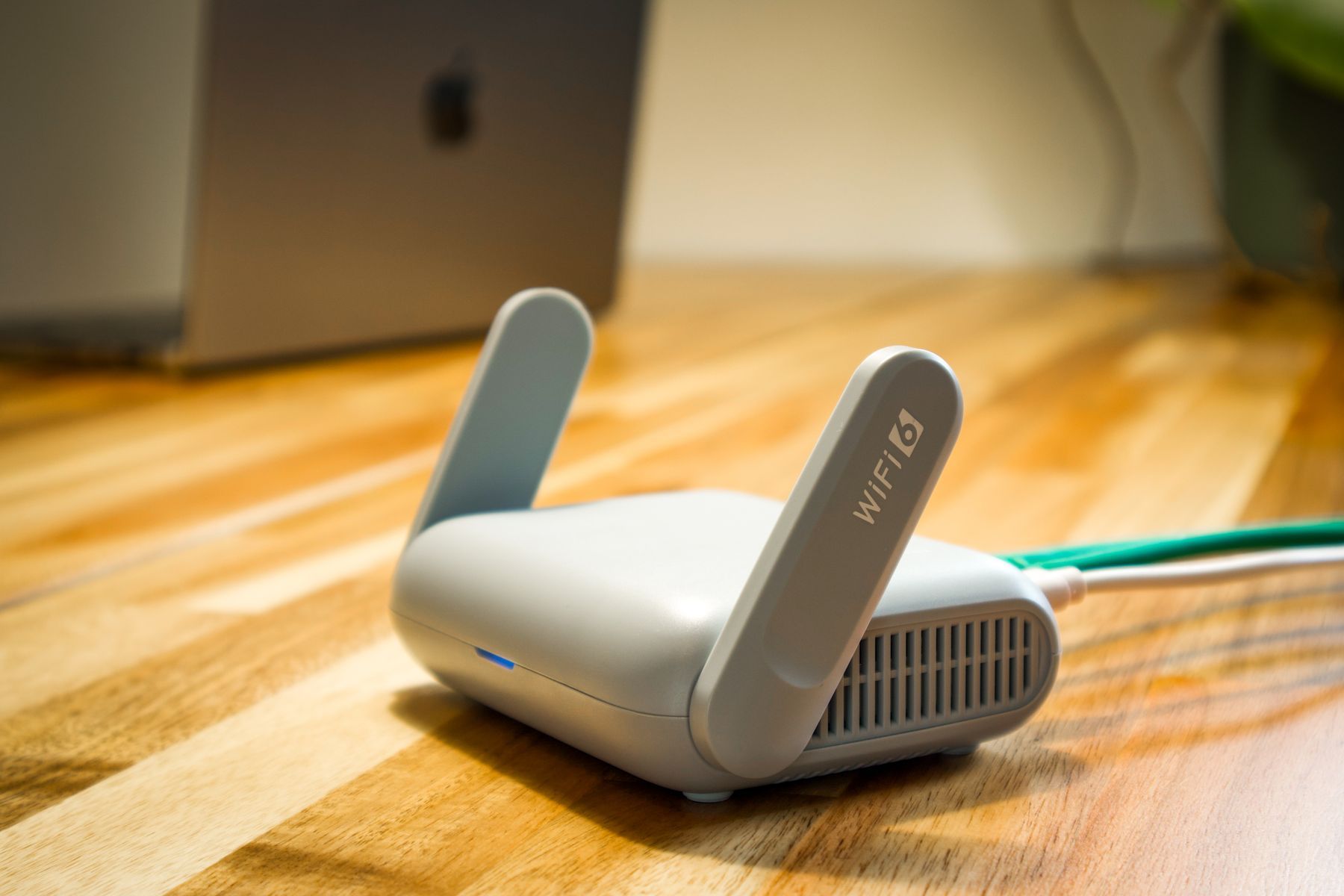
Most IPTV problems people blame on the service turn out to be about the connection between the router and the TV. The speed on your internet bill is measured at the modem, not in the basement rec room or the bedroom at the far end of the house. Here is how much speed IPTV needs and how to make sure your TV actually gets it.
How much speed does IPTV need?
As a widely used reference, Netflix recommends these speeds for a single stream:
| Picture quality | Recommended speed |
|---|---|
| HD (720p) | 3 Mbps or more |
| Full HD (1080p) | 5 Mbps or more |
| 4K (Ultra HD) | 15 Mbps or more |
Treat these as a floor, not a target. Live channels, and live sport especially, are less forgiving than on-demand films because the app cannot load far ahead. If two people watch different things at the same time, add their needs together and leave room for everything else on the network.
For comparison, the CRTC’s broadband target for Canadian homes is 50 Mbps download and 10 Mbps upload, well above what a single Full HD stream needs. The challenge in most homes is not the plan but getting that speed to the TV.
Test the speed where you watch
- Run a speed test on the device you will watch on, if it has a browser or a speed test app.
- If not, stand next to the TV with your phone on the same Wi-Fi and test there.
- Test in the evening, when neighbourhood and household use peaks.
- Write down the result and the time. If you ever need help, it is the first thing to share.
On a Roku you can check the signal under Settings, then Network, then About. Our Roku guide has more on Roku specifically.
Get a stronger signal to the TV
Use a cable where you can
A network cable from the router to the TV or box removes most Wi-Fi problems at once. Many Smart TVs, Android boxes and some Roku models have a network port.
Canadian homes and Wi-Fi
- Basements: concrete and floors weaken Wi-Fi. A mesh system with a unit on the basement level often fixes it.
- Large or older houses: thick walls and long distances reduce the signal. Move the router to a central, open spot rather than a cupboard or corner.
- Cottages and rural internet: speeds can vary more and some plans have data caps. Check your monthly allowance before streaming every evening.
Choose the right band
If the TV is close to the router, the 5 GHz band is usually faster and less crowded. The 2.4 GHz band reaches further through walls but is slower.
Reduce competition on the network
Game downloads, cloud photo backups and video calls all compete with your stream. Pause large downloads during the game or film you care about.
A quick checklist before you subscribe
- I know the speed at the TV, measured in the evening
- The TV is on a cable or a strong 5 GHz signal
- I know how many people usually stream at once
- I know whether my internet plan has a data cap
Test it with a free trial
The best test is real viewing. Ask for our free 24-hour trial, watch during your usual evening hours and see how your connection copes. If the picture stutters, our guide on why IPTV buffers takes you through the fixes. When you are happy, see our IPTV Canada plans.